
This is a guest post from Yannick Mayeur, a computer science student at IUT Blagnac who is currently doing open-source work experience with Kichwa Coders. It was originally one of his weekly write-ups which can be found here.
You are probaly familiar with the pull request system of GitHub that programmers use to contribute to an open-source project. Gerrit (named after its designer Gerrit Rietveld) is basically an improved version of this system. Gerrit allows the committer to give more precise feedback on each line of code edited, and allows other members of the team to review those changes. Gerrit is used by the Eclipse CDT community. In this blog post I will show you how to efficiently get started with it.
The required tools & knowledge
Having Git is basically all you need to clone the sources, and push them. If you want to edit them in a good environment use the Eclipse JAVA IDE. Knowing the basics of Git is also required, though I think you could pick up Git as you go along with a bit of trial and error.
How to get the sources of CDT
Cloning the sources to your computer is an easy but essential task.
The link of the repository is: git://git.eclipse.org/gitroot/cdt/org.eclipse.cdt
To clone use the following command:
git clone git://git.eclipse.org/gitroot/cdt/org.eclipse.cdt
Once you have the files, go to Bugzilla and find a bug you want to fix.
Pushing the changes to Gerrit
Now comes the tricky part. In order for you to be able to push your change a few things have to be respected. Continue reading “Getting Started With Gerrit on Eclipse CDT”

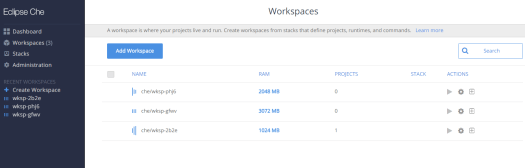
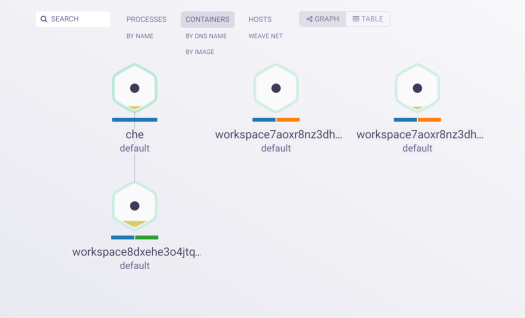
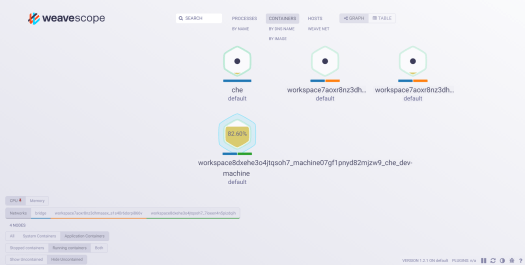
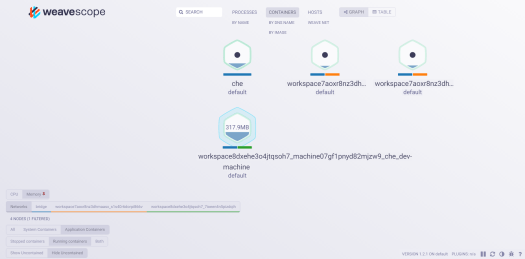
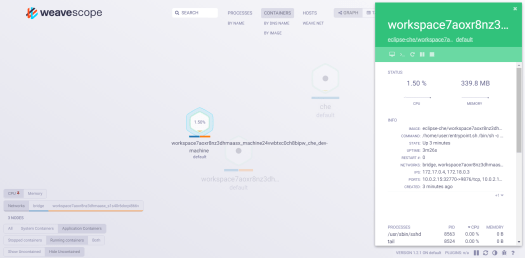
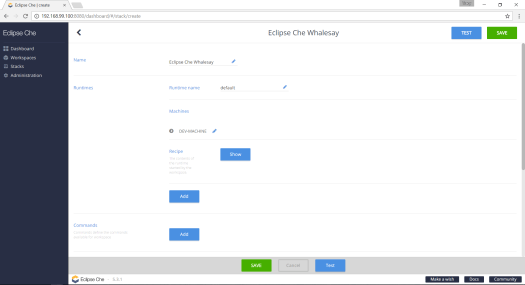
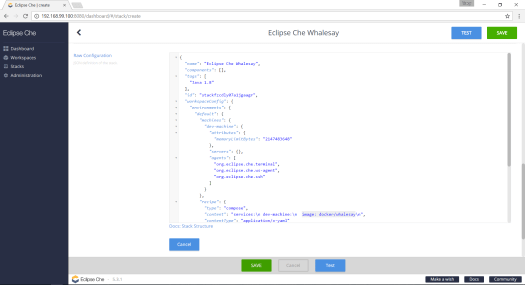
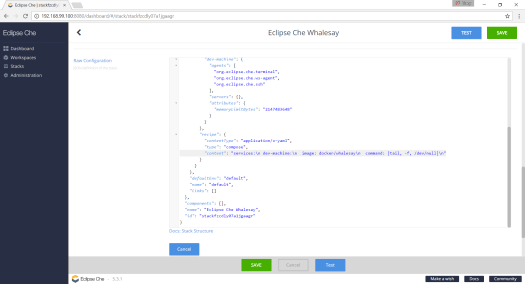
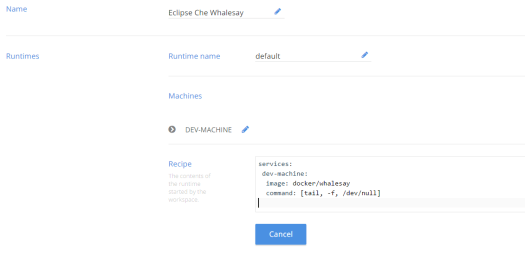
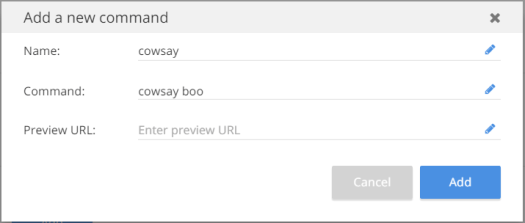
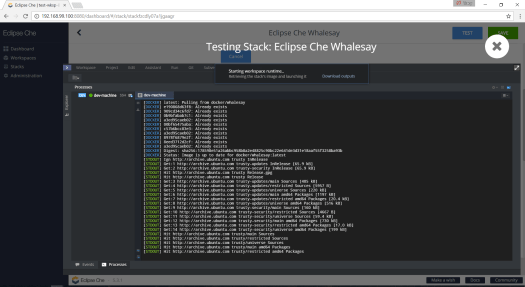
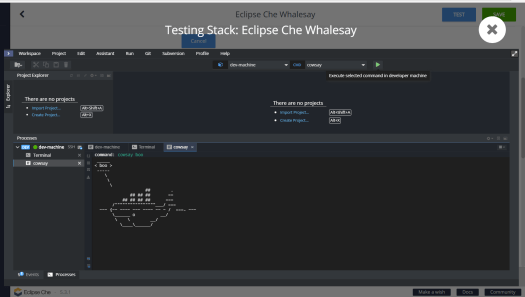
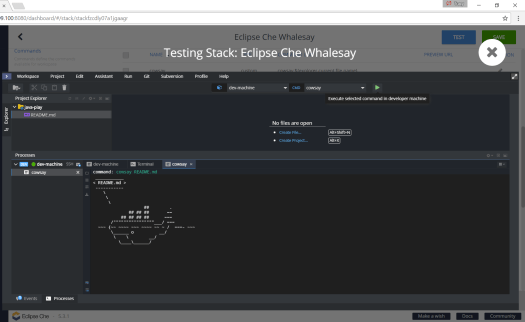
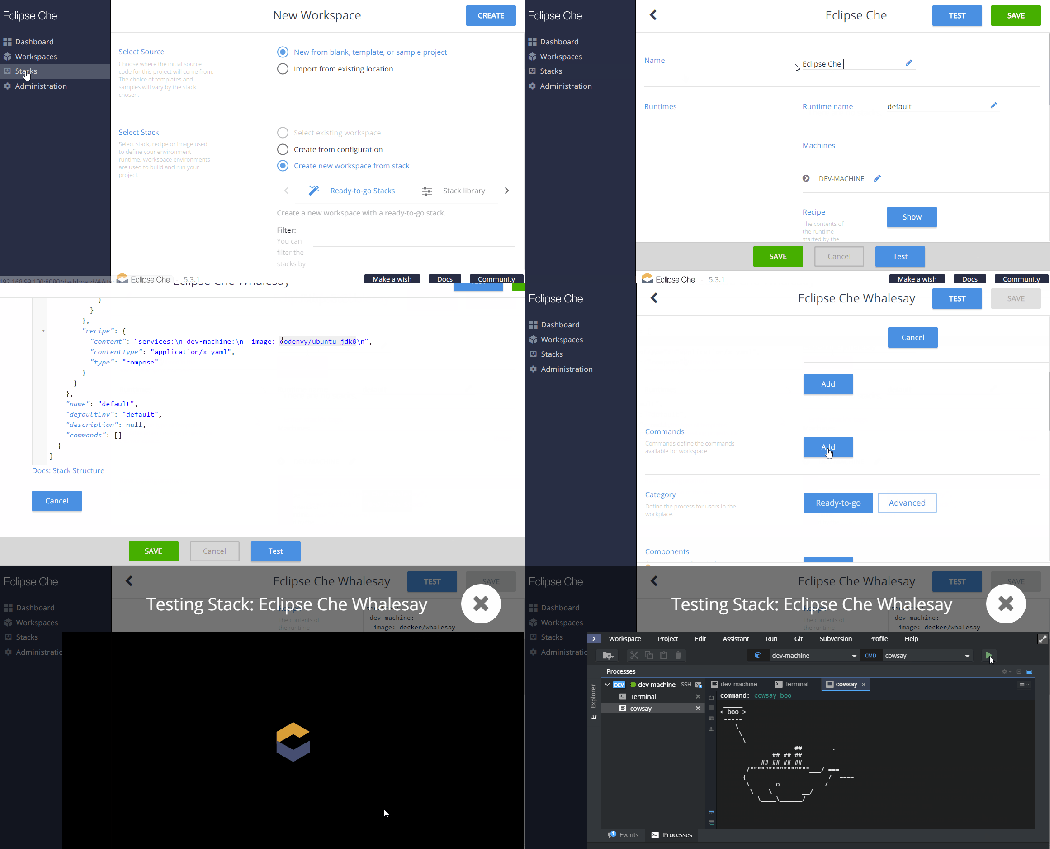
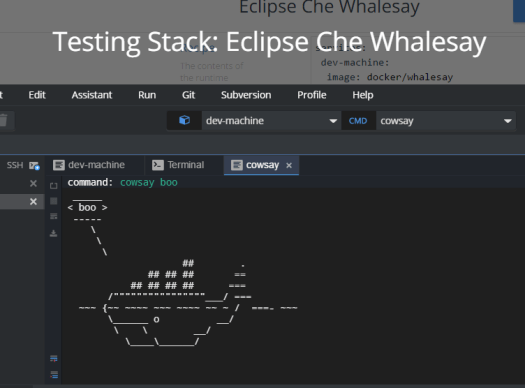 In Eclipse Che, stacks are runtime configurations for workspaces. Eclipse Che 5.0 provides the ability to quickly create a new stack based on an existing Docker image. There are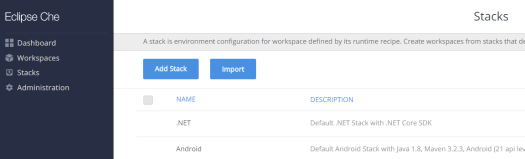



 Kichwa Coders